

Lumadex 0.7.0 for Windows.
One Setup for Lumadex Desktop, the office luminaire library and the Lumadex tab for your CAD programs.

Lumadex 0.7.0
- Released
- 12 October 2026
- Setup
- Online installer
- Downloads
- Based on your licence
- For
- Windows 10 and 11, 64 bit
Lumadex Setup is issued with each licence, so every seat receives the build and modules it is entitled to. Ask us for a trial and we will send one around your own sites.
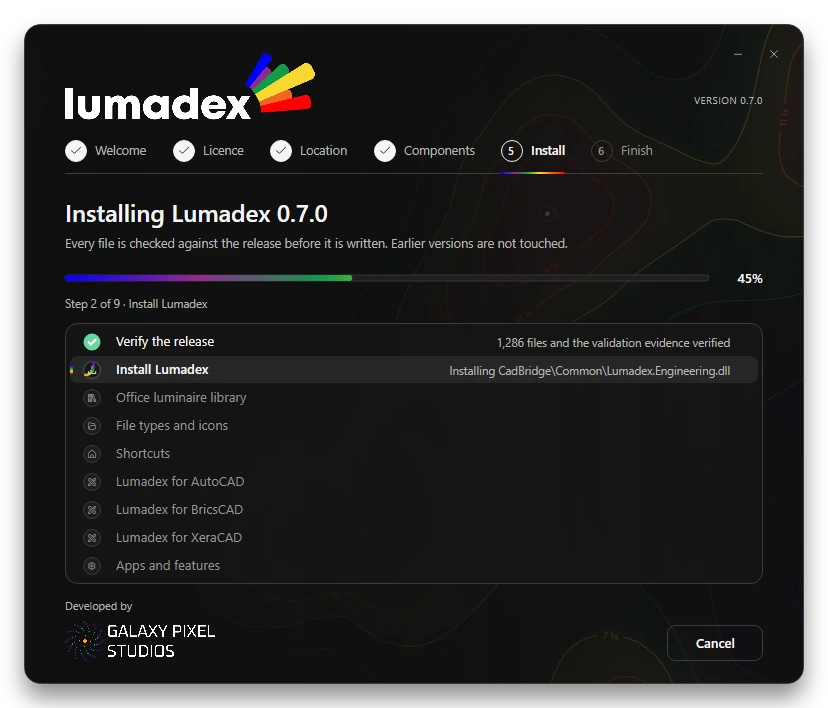
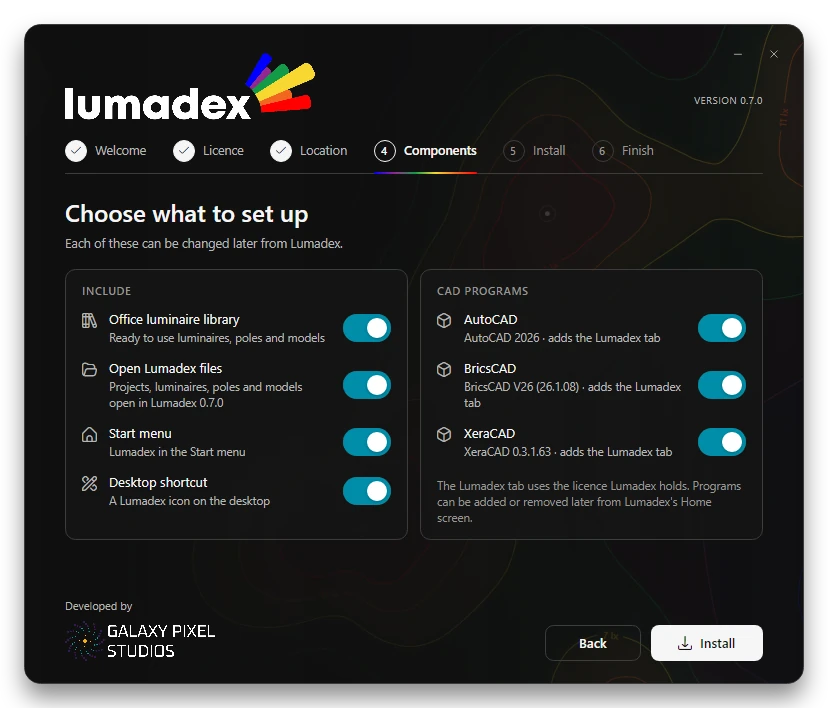
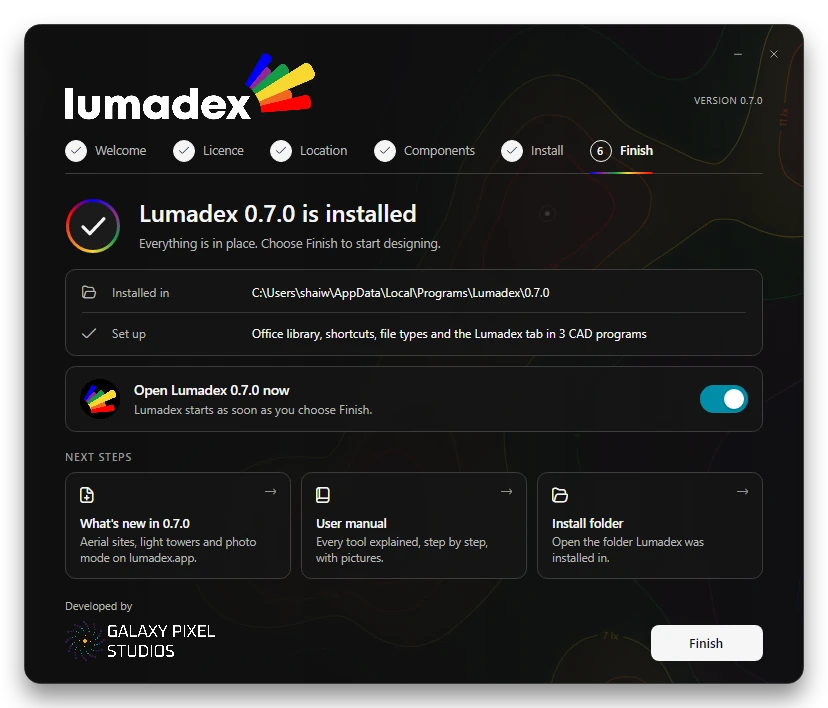
An installer that tells you what it is doing.
Choose who it is for and where it goes, pick the shortcuts and CAD programs, then watch each step finish with its result.
Checks before it writes
Every file is checked against the release manifest, so a damaged download never becomes a damaged install.
Side by side
Each version has its own folder. Earlier versions, their shortcuts and your projects are left as they are.
The Lumadex tab
AutoCAD, AutoCAD LT, BricsCAD and XeraCAD are found on the computer and each gets the Lumadex tab in one step.
Just you or everyone
Install for your Windows account with no administrator approval or in Program Files for every account.
What Lumadex needs.
Lumadex is a Windows application. Calculations run on the processor and the lit 3D view on the graphics card.
| Windows | Windows 10 or Windows 11, 64 bit |
|---|---|
| Runtime | .NET 8 Desktop Runtime (Setup installs it when it is missing) and Microsoft Edge WebView2 (part of Windows) |
| Graphics | Direct3D 11 for the lit 3D view. Without it Lumadex falls back to software drawing |
| Large sites | LiDAR sites and tunnels benefit from more memory and a dedicated graphics card |
| Disk | About 319 MB for each version. Setup shows the space it needs on the drive you choose |
| Display | 1920 by 1080 or larger recommended. Light and dark themes follow Windows |
| CAD programs | Optional. AutoCAD 2025 or 2026, AutoCAD LT 2024 or later, BricsCAD V26 (Pro, Platinum or Lite) and XeraCAD 0.3.1.61 or later |
Updates from lumadex.net.
Update centre
Lumadex checks lumadex.net for a newer release, shows what is new and installs it side by side when you choose.
Signed releases
Every release is signed. Lumadex checks the signature and the size and checksum of the download before anything is installed.
Modules follow your licence
Lumadex turns on the modules your licence covers. Add a module to your licence and it is ready without installing again.
Ready to try Lumadex?
Ask for a trial and we will issue Lumadex Setup with the modules you want to evaluate, with a demonstration on one of your own sites if you would like one.